Tax Bands
Note
To view the legacy version, please select Legacy User Guide.
There are multiple tax bands available of which only some of them will be used in the England & Wales (EW) VAT return.
How to view Tax Bands
Viewing Tax Bands
As per Generic Navigation options, either from left-hand navigation panel, expand Settings and select Tax Bands from the Tax folder or enter Tax Bands in the Search option.
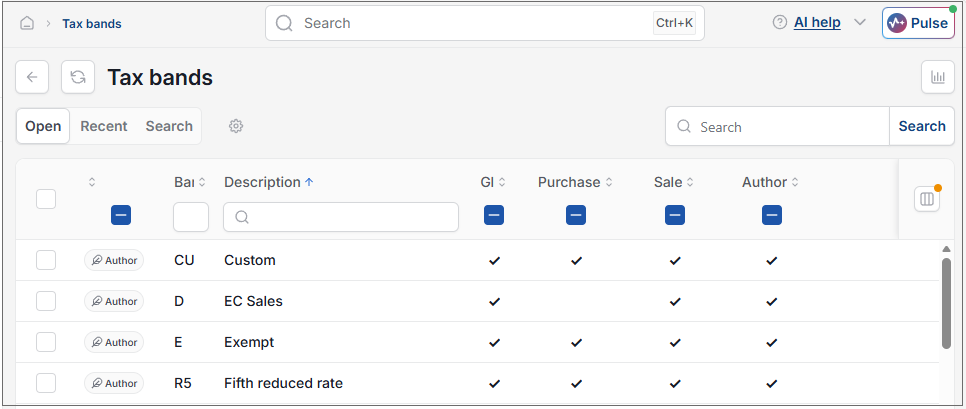
This will then show the Tax Bands on the system.
Tip
To modify the columns displayed, select  option on the right of the column display, then tick/untick the information you want to hide or display.
Tax Rates
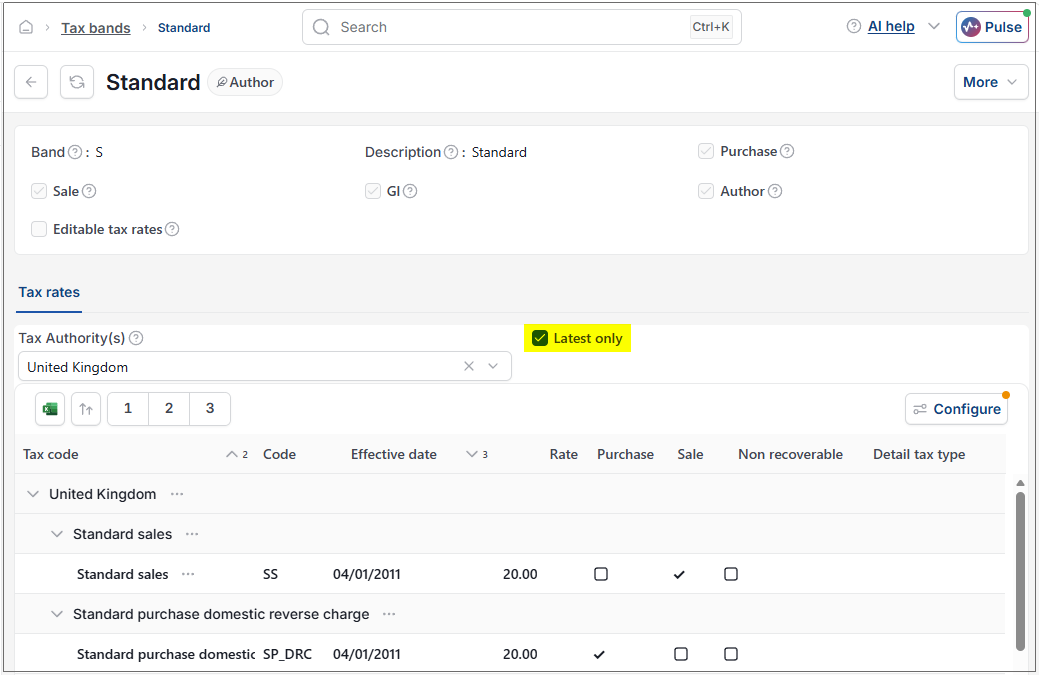
Each Tax Authority sets it's own tax rates and these are recorded per Tax Band. All tax rates and their respective effective dates are recorded in the system. This enables postings to be made for documents in the past, present or future and the prevalent tax rate for the tax date to be automatically selected.
Tip
Tick the Latest tax rate only check box to restrict the rates shown to be the latest only.
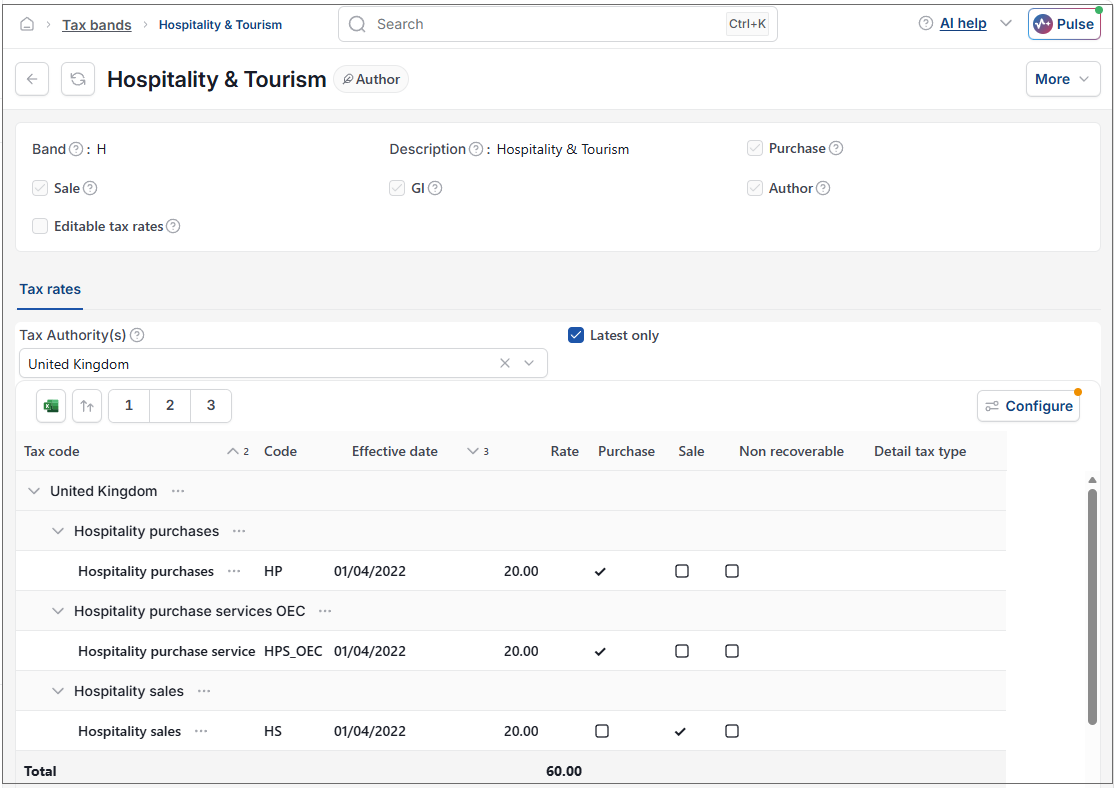
The are instances where a Tax Band, codes and rates have a known limited lifespan e.g. EW introduced a Hospitality & Tourism Tax rate to assist these struggling industries during the COVID-19 pandemic.
The system has a tax band, code and rate to manage this short-term requirement. The related EW tax rates for Hospitality & Tourism are as follows:
Updated August 2026