Exchange Rates
You must create exchange rate pairs for all exchange rate Currencies you want to track e.g. GBP -> EURO .
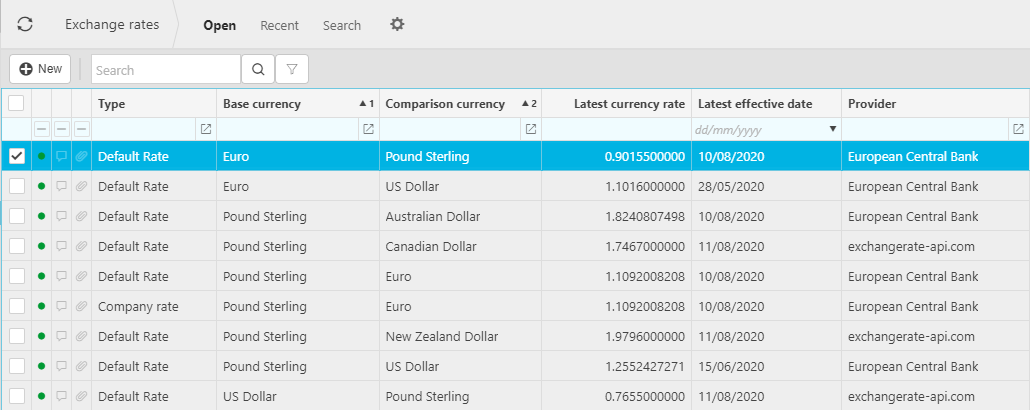
Exchange rates are referenced at the point of Document entry. The document exchange rate will be defaulted based upon the prevalent rate at the document Tax date.
Exchange rate pairs can be manually refreshed by selecting the Refresh rates option so that Users do not have to switch providers to trigger a refresh.
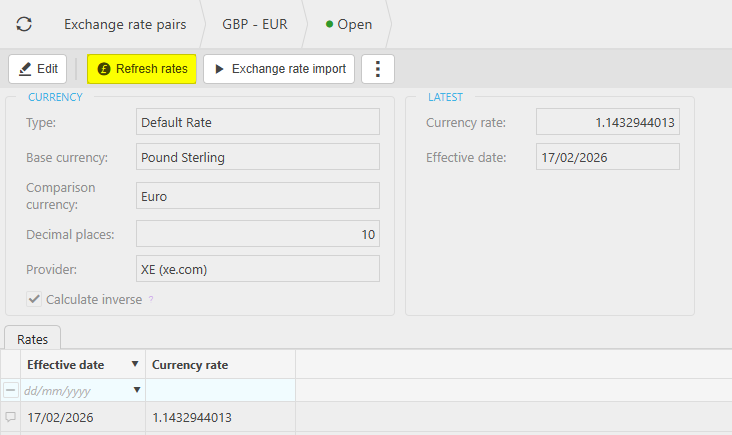
This will update the Exchange rate pairs to the most up to date value. Exchange Rates will go back 18 months.
All documents will record an exchange rate between the document currency and the Legal Entity base Currency.
On cash book documents, there will also be an exchange rate recorded between the bank account currency and the Legal Entity base currency.
Tip
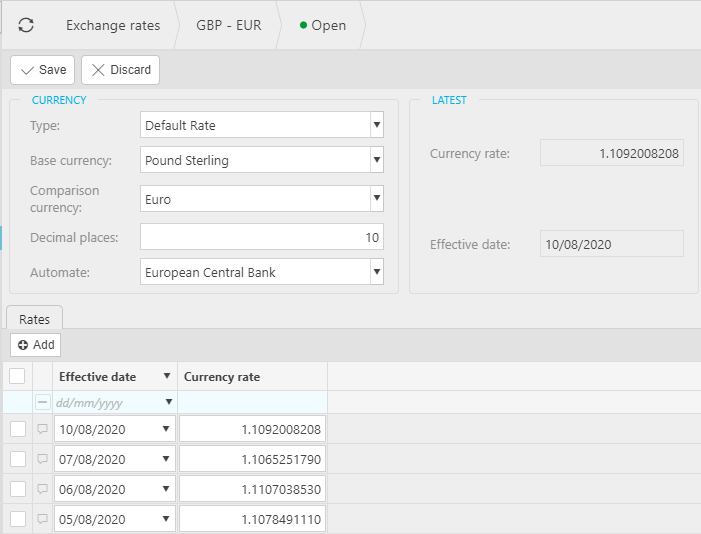
Subject to access permissions, exchange rates can be manually adjusted at document entry.
Updated February 2026