Printers
How to view Printers
Viewing Printers
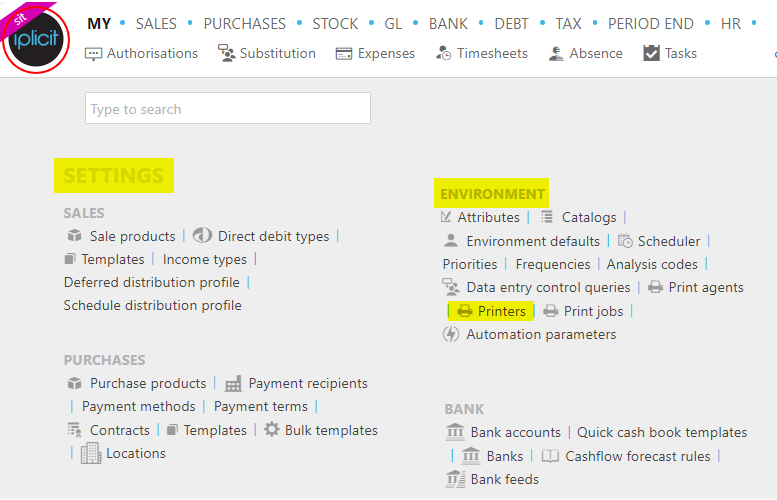
Select Environment / Printers from the Settings section of the pulse menu -
Note
This is an example screen shot of the pulse menu.
Position of the menu items within pulse will vary according to available options and dependant on personal screen resolution.
or enter Printers in the Quick Launch Side Menu.
This is a list of all connected printers.
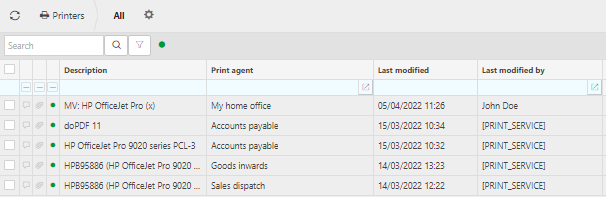
Description: This will identify the printer.
Print agent: The print agent will typically identify the reason for printing or the person printing however, this will vary depending on the setup.
Tip
To modify the columns displayed, select  on the top right of the page, then tick/untick the information you want to hide or display.
Test a printer
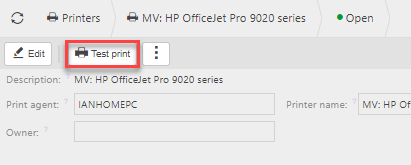
Double click on the printer that you would like to test.
Select Test print
Delete a printer
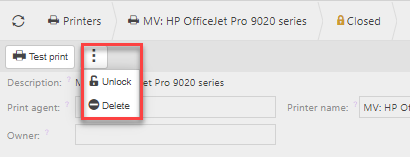
Double click on the printer that you would like to delete.
Select Lock.
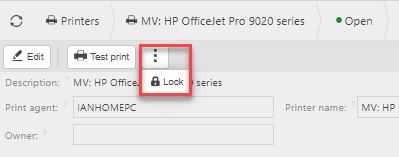
Select Delete.
Updated March 2026