Credit Control Detections
How to view Credit Control Detections
Select the  option in the Credit Control panel found on the Pulse button or enter Credit control detections in the Search option.
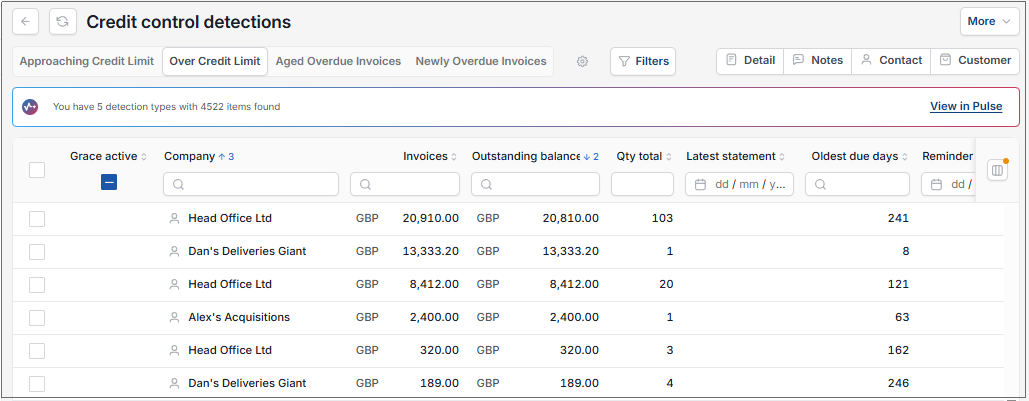
This will then show the Credit control detections on the system.
Tip
To modify the columns displayed, select  option on the right of the column display, then tick/untick the information you want to hide or display.
Each of the detection methods can be view by selecting the appropriate tab.
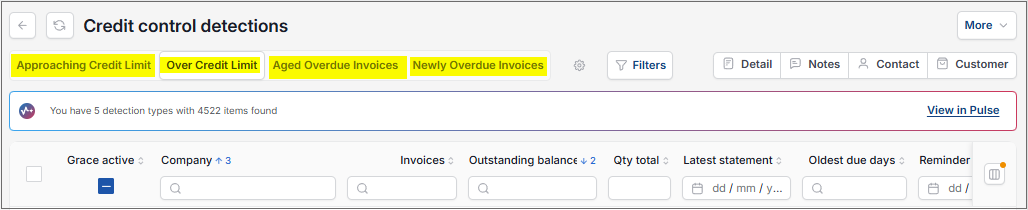
- This will list all the detected items in outstanding balance order (highest to lowest).
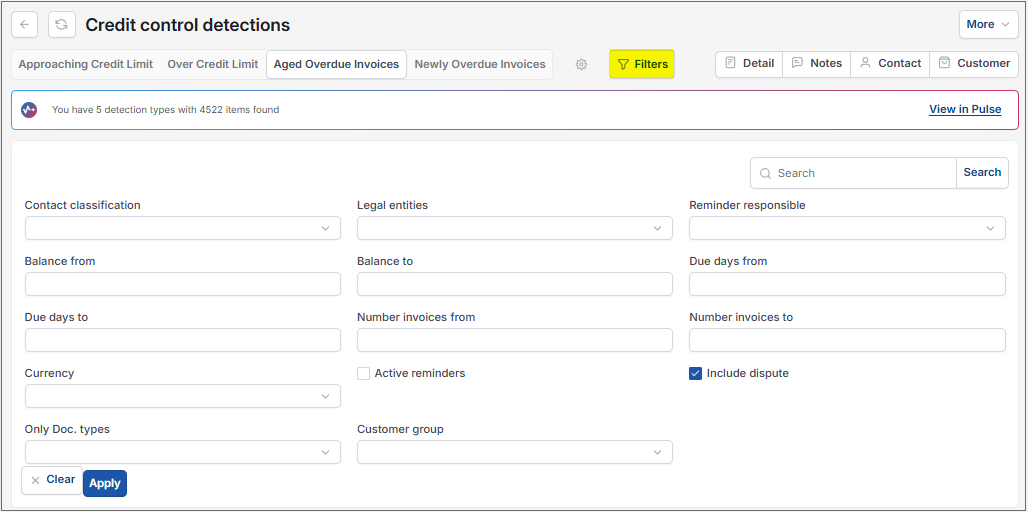
Filter: This option is available to search for specific items.
Detail: Select an item from the detection list and then select Detail.
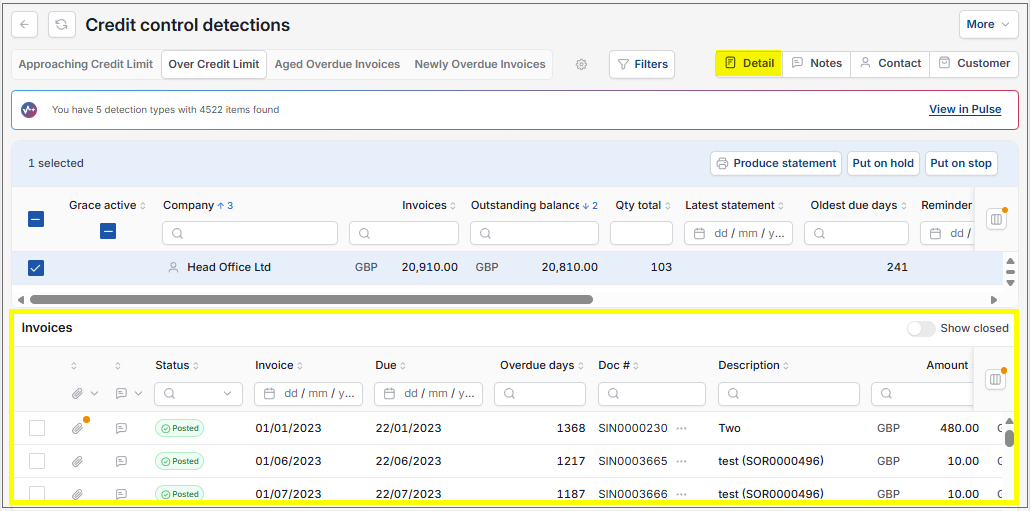
This gives a list of Invoices for the detection selected.
Selectingg individual Invoices in this list will drill down further to show the actual Invoice.
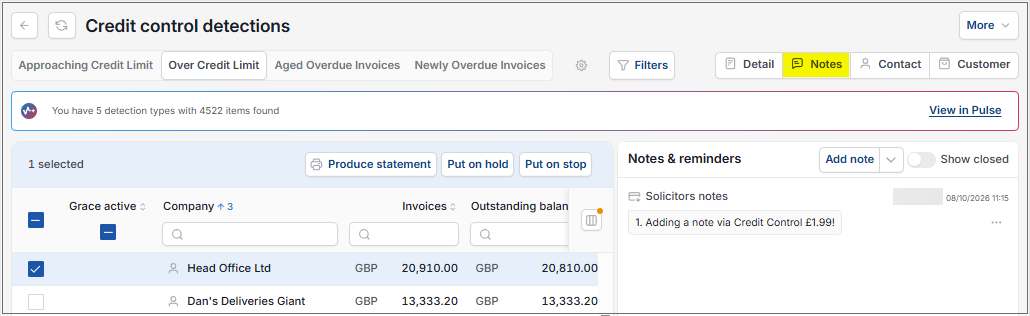
Notes: This option opens a Notes & reminders section so Users can see any notes about the detected item/s. Also, allows the User to add notes.
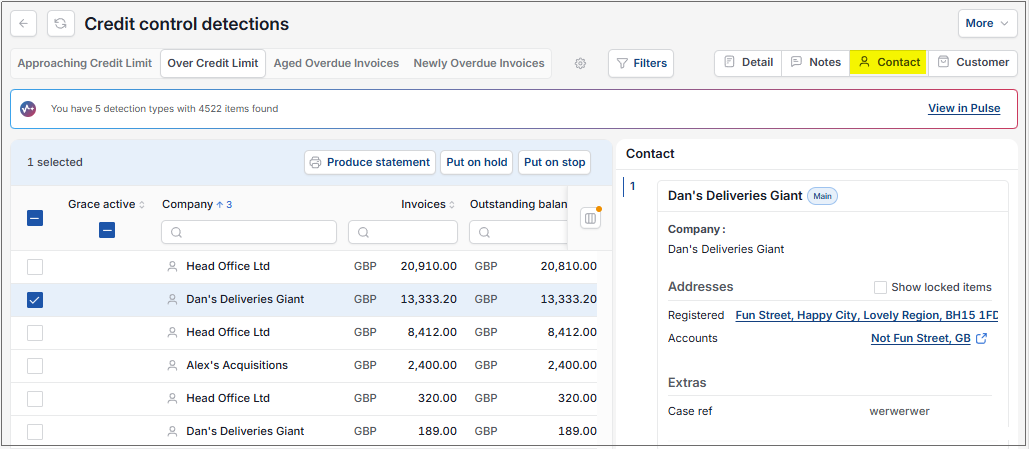
Contact: Shows the contact details of a selected item.
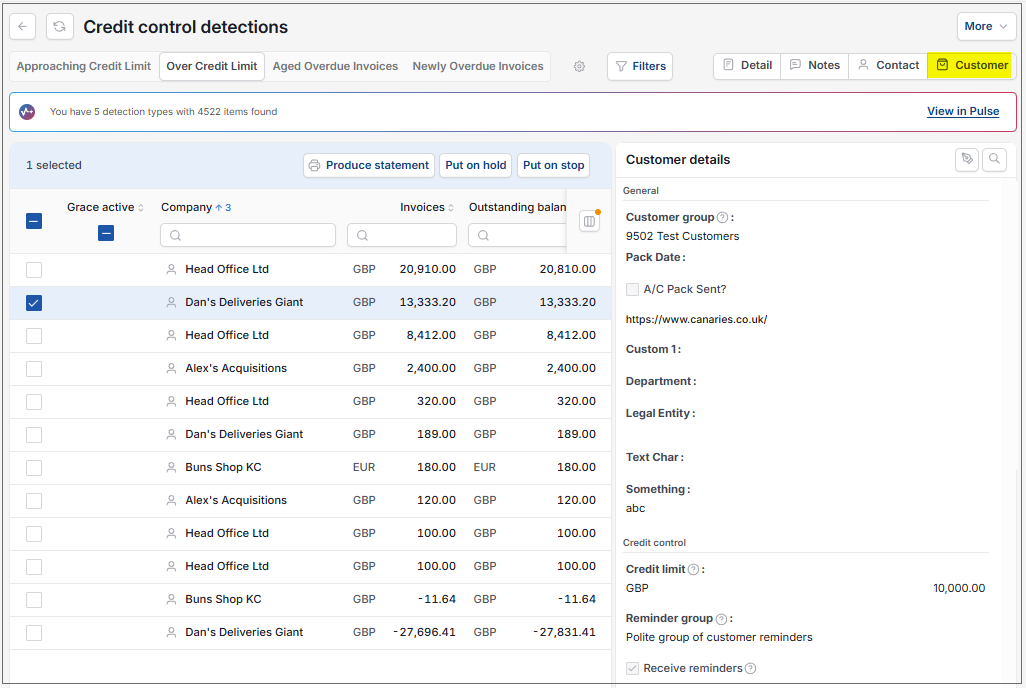
Customer: Shows the Customer details of a selected item.
Updated October 2026