URL Types
Note
To view the legacy version, please select Legacy User Guide.
How to view URL Types
Viewing URL Types
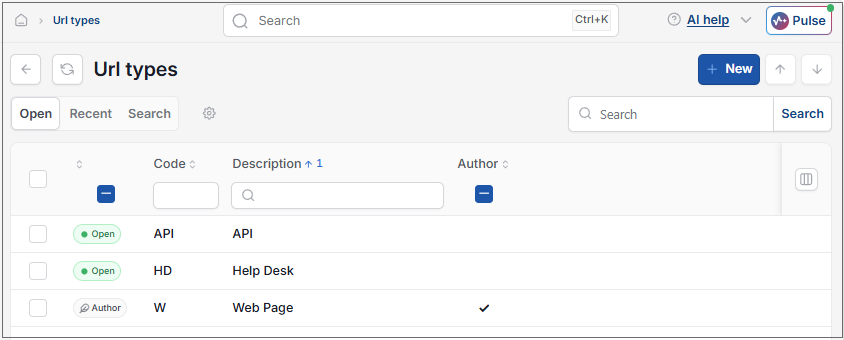
As per Generic Navigation options, either from left-hand navigation panel, expand Settings and select URL types from the Contact folder or enter URL types in the Search option.
This will then show the URL Types on the system where normal customisation of Sets can be used.
Tip
To modify the columns displayed, select  option on the right of the column display, then tick/untick the information you want to hide or display.
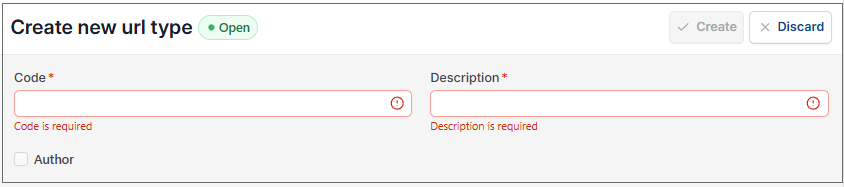
Select New to create more URL types as required.
Updated August 2026