Vault
Sensitive credentials, such as API keys from Cin7 or IMP Planner, should be stored securely in the Vault to prevent unauthorized access.
Note
To view the legacy version, please select Legacy User Guide.
How to view Vaults
Viewing Vaults
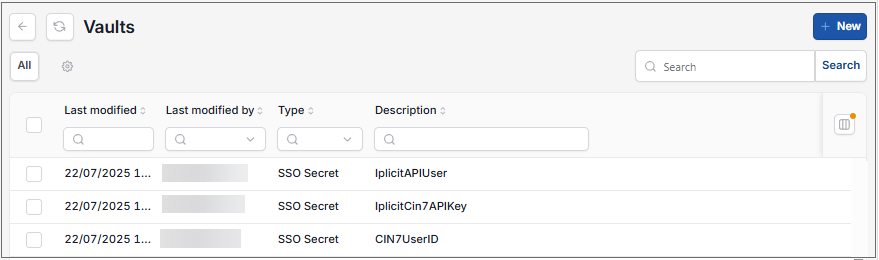
As per Generic Navigation options, either from left-hand navigation panel, expand Settings and select Vault from the Environment folder or enter Vault in the Search option.
This will then show the Vaults on the system.
Tip
To modify the columns displayed, select  option on the right of the column display, then tick/untick the information you want to hide or display.
How to create a new key
Creating a new key
Select Vaults from one of the options as shown above in Viewing Vaults.
Select New.
Enter a unique description and the sensitive content data - once created, the content data will show as (secret).

Select Create.
This will then create a secure key, available for use without showing the unique content data.
Updated October 2026