Print Jobs
The screenshot below shows a sample grid of the print jobs finder.
This finder will display all printer jobs on your system.
You can Re-Print a job by selecting one, then pressing the Re-Print button.
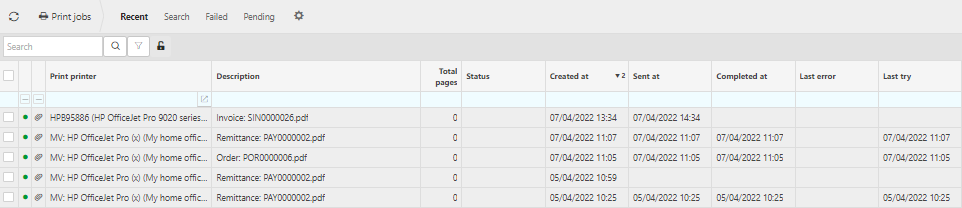
Print printer:This will identify the printer.
Description: This will identify the printer job.
Total pages: The number of pages printed.
Created at: The time the job was executed.
Sent at: The time the job was sent to the printer.
Completed: The time the job was complete.
Tip
To modify the columns displayed, select  on the top right of the page, then tick/untick the information you want to hide or display.
Updated March 2026