Project P/L
Note
To view the legacy version, please select Legacy User Guide.
How to view Project P/L
As per Generic Navigation options, either from left-hand navigation panel, select Project P/L from the Project folder or enter Project P/L in the Search option.
This feature shows all of your projects profit and losses.
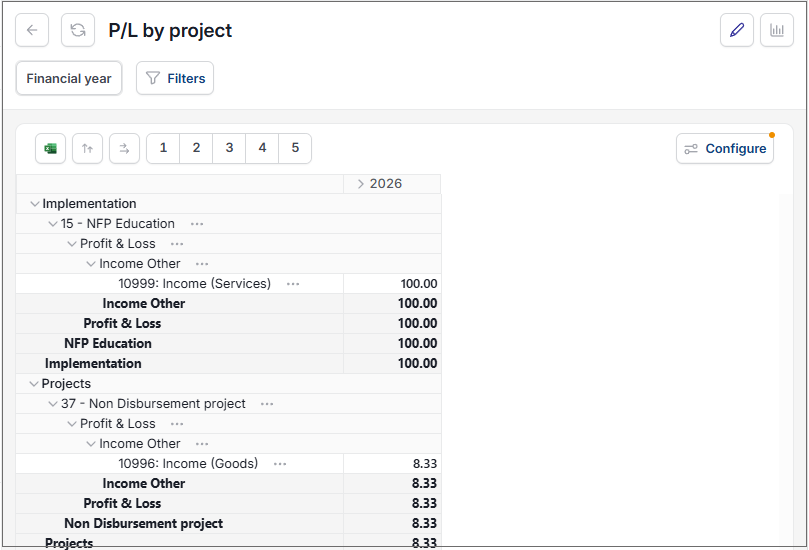
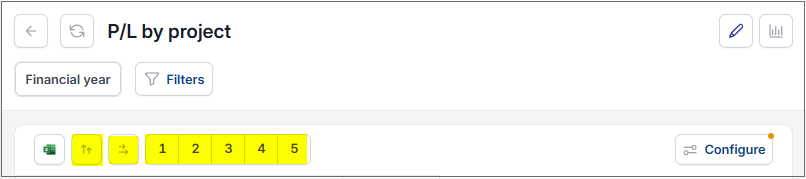
The tree function allows you to open each project up and view different levels of the profit and loss.
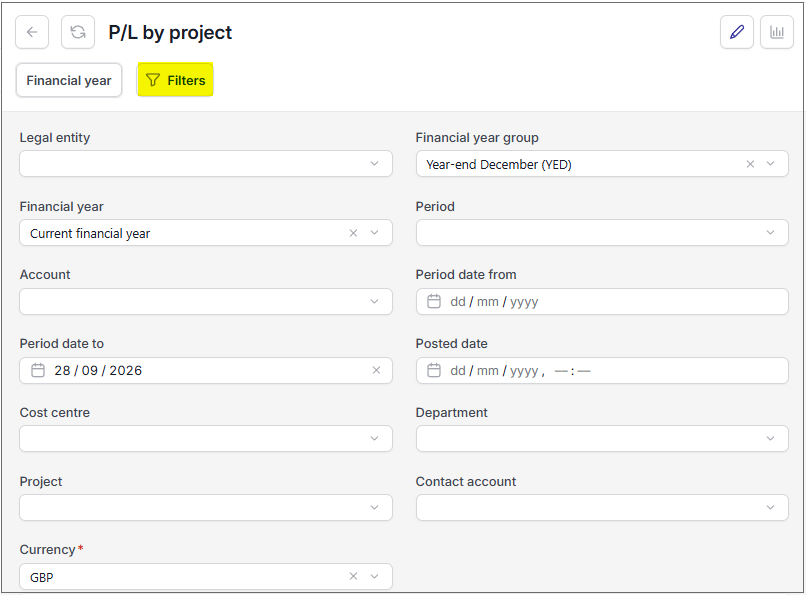
- The filter will allow you to enter selection criteria to filter what projects are shown.
Updated September 2026