Help Options
On the top right-hand corner of any screen within iplicit will be the following option.
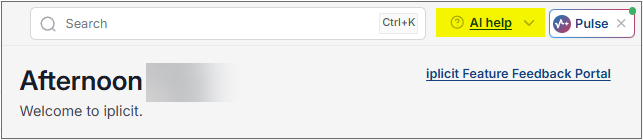
Selecting the  option opens up the iplicit AI Help menu.
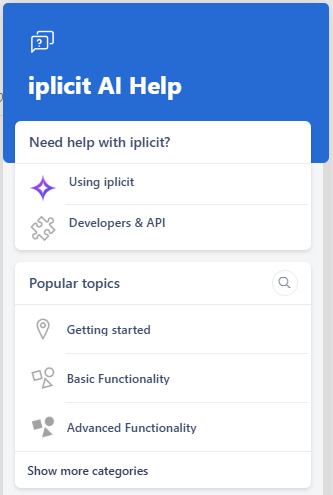
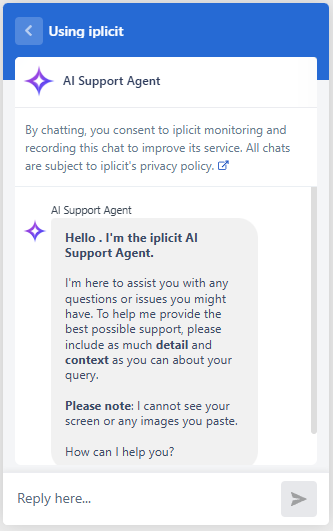
This chat mode provides assistance with any queries you encounter while using iplicit. You can ask questions about how to find features, navigate the system, or locate enquiries and reports.
If you are stuck with part of your work or need more information, ask the Using iplicit - AI support agent for guidance on what to do next.
Note
The AI support agent cannot see your screen or view any images you paste.
Be as descriptive as possible about what you need help with so you can get the most accurate guidance.
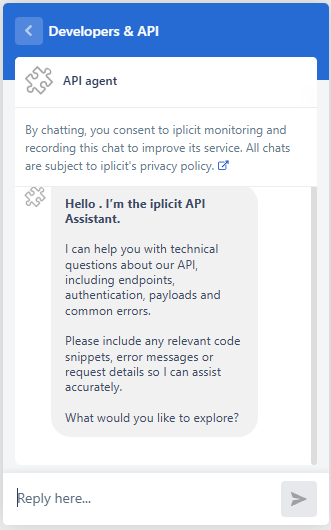
This chat mode provides assistance with technical queries related to iplicit, including APIs, integrations and development. You can ask questions about how to connect systems, use endpoints, or understand how iplicit works alongside other applications.
If you need help with a technical task or more detailed information, ask the Developers & API AI support agent for guidance on what to do next.
Note
The AI support agent cannot see your screen or view any images you paste.
Be as descriptive as possible about your technical query so you can get the most accurate guidance.
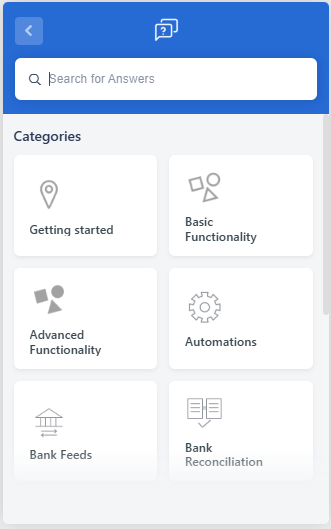
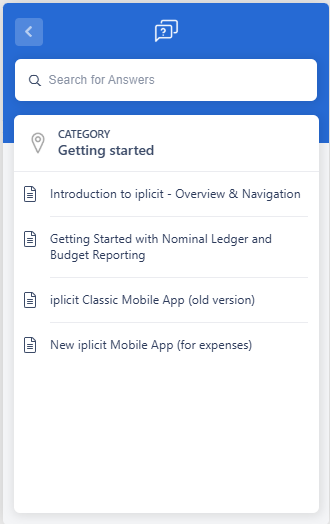
The Getting Started area links to knowledge articles from our support portal and helps you browse categories covering topics such as invoices, workflows, VAT returns and more.
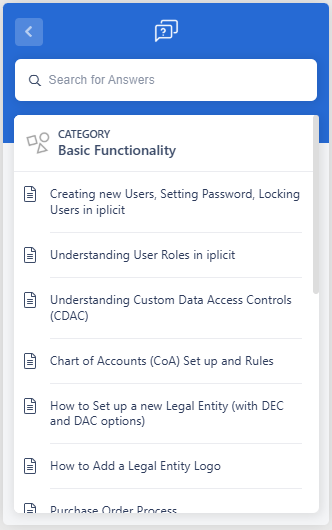
The Basic functionality section contains training videos to help you learn how to use iplicit features step by step.
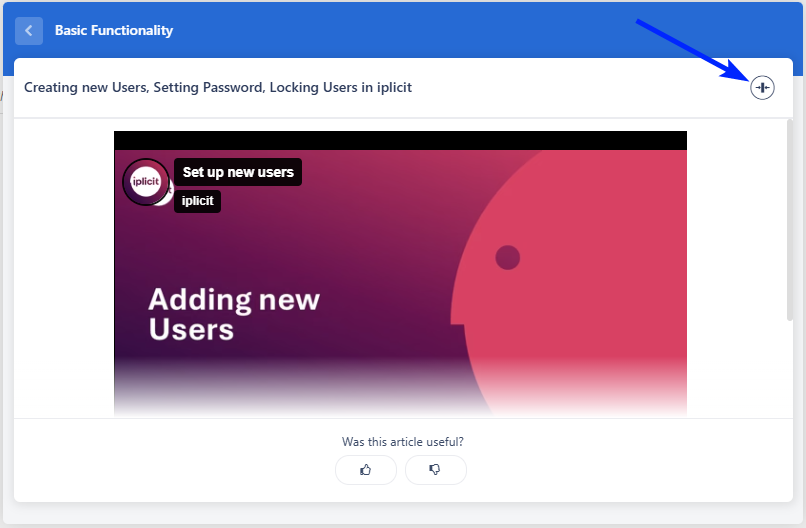
You can access both articles and videos directly within the AI Help widget without leaving iplicit, and videos can be enlarged for a clearer view.
For example -
The Advanced functionality section contains training videos to help you learn how to use iplicit features step by step.
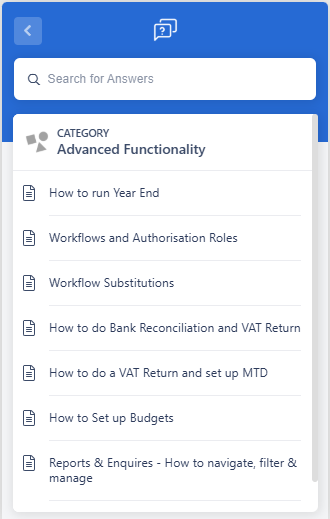
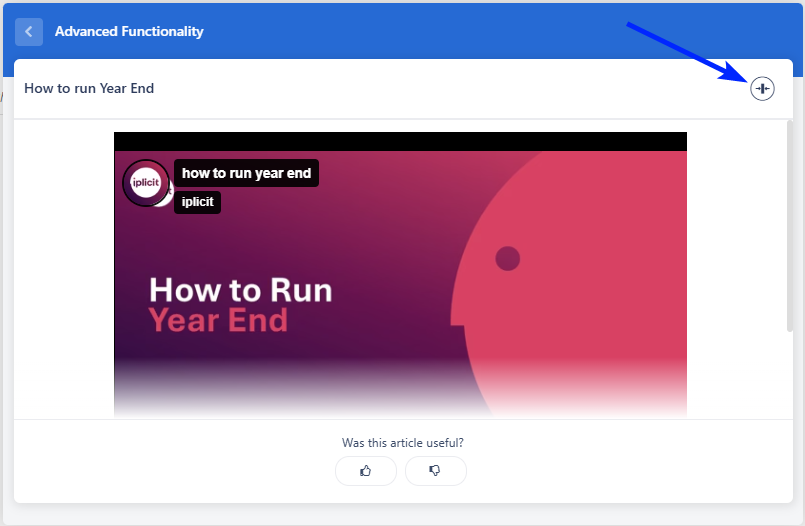
You can access both articles and videos directly within the AI Help widget without leaving iplicit, and videos can be enlarged for a clearer view.
For example -
Updated July 2026